superqt
"Missing" widgets and components for PyQt and PySide.
superqt is a collection of Qt widgets and utilities that the QtWidgets module
doesn't provide: range sliders, sliders for floats, searchable combo boxes and
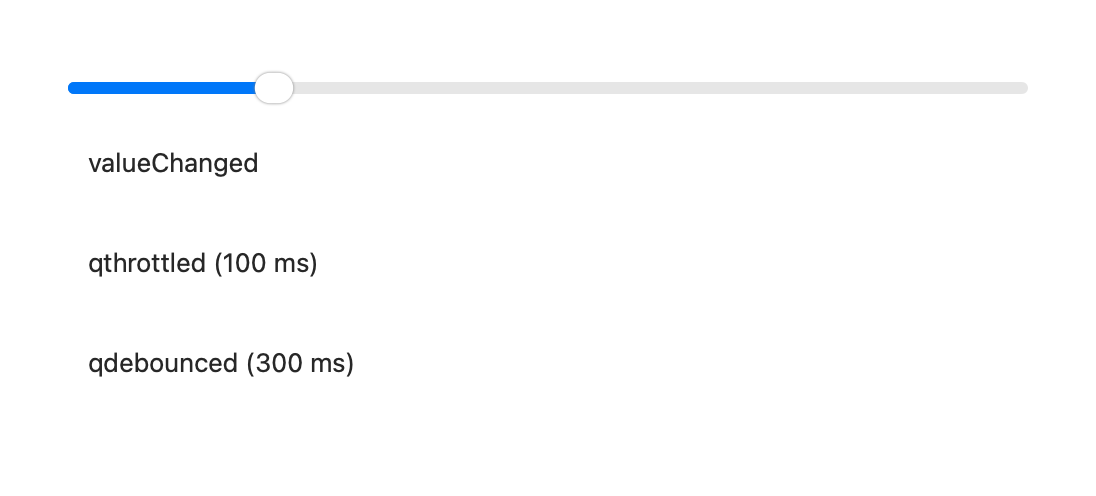
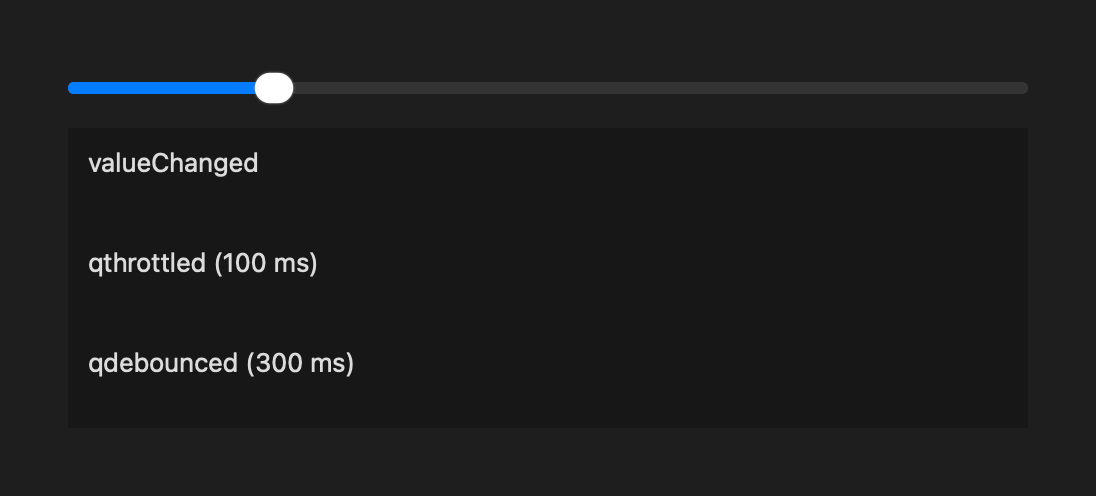
lists, collapsible sections, font and SVG icons, tools for threading and for
throttling signals, and more. It is built on
qtpy, so the same code works with PyQt5,
PyQt6, and PySide6.
Installation
superqt doesn't install a Qt binding. If your environment doesn't have one yet, install one with an extra:
Some features need extra dependencies, which can also be installed as extras:
| Extra | Installs | Needed for |
|---|---|---|
cmap |
cmap | QColormapComboBox, CmapCatalogComboBox, colormap utilities |
quantity |
pint | QQuantity |
iconify |
pyconify | QIconifyIcon |
font-fa5, font-fa6 |
Font Awesome 5 or 6 | font icons |
font-mi6, font-mi7 |
Material Design Icons 6 or 7 | font icons |
superqt is tested on macOS, Windows, and Linux, with Python 3.11 and later, and with PyQt5 (5.15), PyQt6, and PySide6.
Widgets



 QRangeSliderA slider with two or more handles, to select a range.



 QLabeledRangeSliderA range slider with editable labels for its handles and range.


 QSearchableComboBoxA combo box that filters its items as you type.



 QLabeledSliderA slider with an editable label for its value.


 QColormapComboBoxA combo box for choosing a colormap.
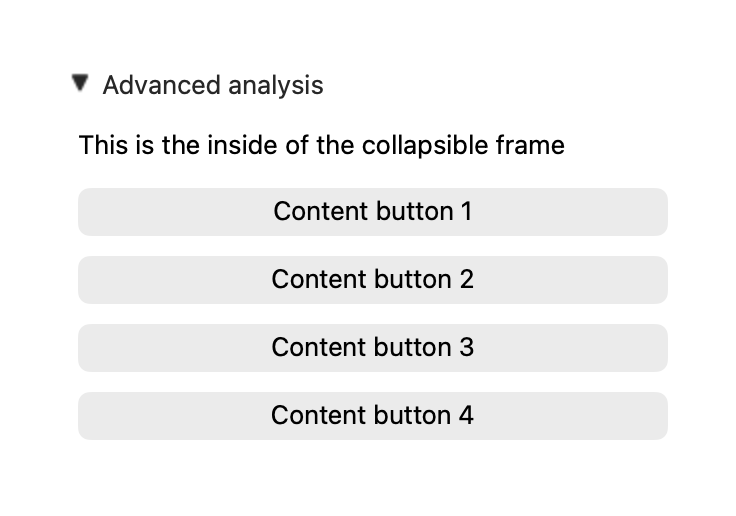
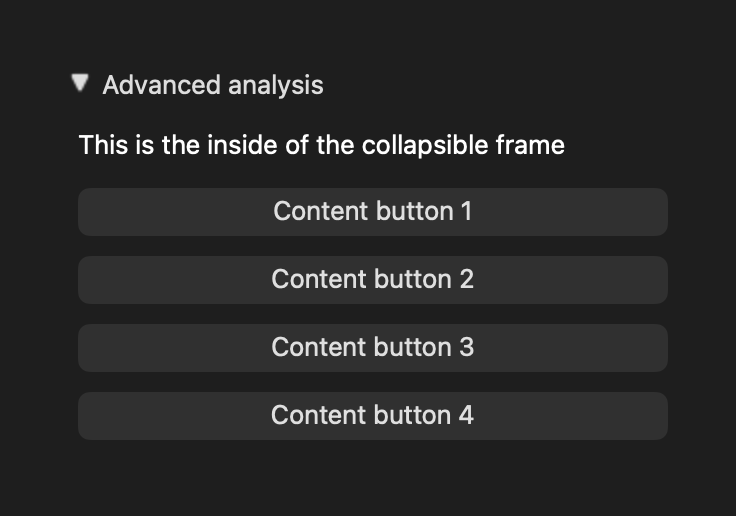
 QCollapsibleA frame that hides or shows its contents when its header is clicked.



 QToggleSwitchA checkable button drawn as a toggle switch.
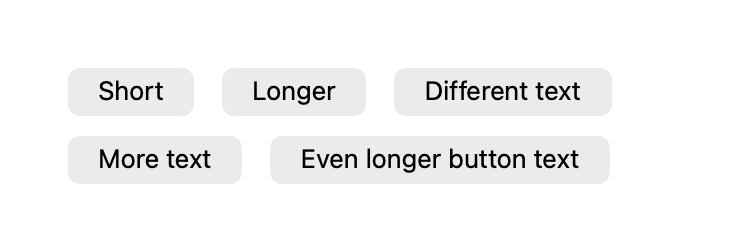
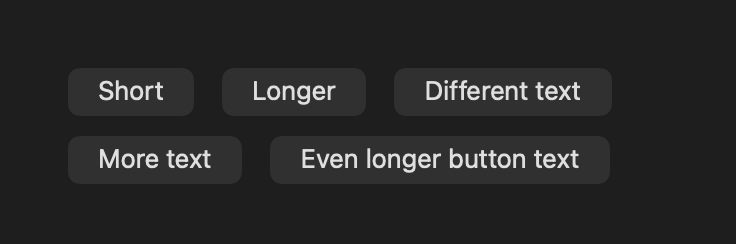
 QFlowLayoutA layout that wraps its items onto new rows to fit the width.


 QQuantityA magnitude and a unit, backed by pint.


 QColorComboBoxA combo box for choosing a color.


 QEnumComboBoxA combo box with the members of an
Enum.



 QElidingLabelA label that shortens its text with an ellipsis to fit.
Utilities
The utilities include icons from icon fonts and from Iconify, decorators and workers for running code in other threads, throttling and debouncing of functions and signals, syntax highlighting, and context managers for blocking signals, capturing Qt's log messages, and showing exceptions in a dialog.